
My EPL Account
Are you online? Registering your library card online allows you to place holds, renew borrowed items, pay fines and more.
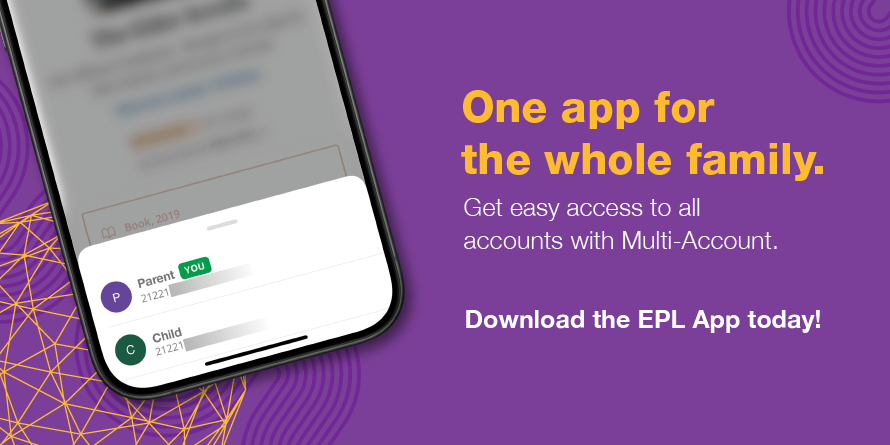
Download The EPL App!
Explore books, magazines, movies, music and more with a simple search on the EPL App.
Register Your Library Card Online
Register your card using the same PIN or password that you chose when you first signed up for your Library card. If you do not know your PIN / password, click the "Forgot your Password?" link.
Read the BiblioCommons Privacy Statement for details on how your personal information is used and protected when you register your Library card online.
Reset Your PIN / Password

To reset your PIN / password online, click the link below and follow the steps shown on screen. Note: you'll need your Library card barcode to complete these steps.
You can also contact your local branch (either in person or over the phone) and they can reset your PIN / password for you. Please note that staff are not able to see your current PIN / password and will only be able to reset your password to a predetermined number.
Once your PIN/password is reset, you may be prompted to login again to the EPL Mobile App and apps or services EPL provides such as Libby, Hoopla, and LinkedIn Learning.
Check It Out
Browse new and on order items in the EPL catalogue.
Registering your library card online allows you to place holds and renew borrowed physical items (books, DVDs, etc.) as well as place holds, renew and borrow some digital items (eBooks, eAudiobooks, etc.).
